Add-on
Track contributions and reward payouts
The Resources add-on ranks every member's contributions against your targets and tallies the Dragon Coins and fragments each member is owed.
Start Free TrialWhat it unlocks
Resource contributions and tallied distributions
Resource contributions are read from your clan's resource history with the same counter that reads your chests. Each member's contributions are mapped to a member in your roster, their contributions scored and ranked against any configured targets.
Contributions and member targets
See who grows your clan buildings
Breakdown ranks every member by what they put into the clan: Dragon Coins, silver, lumber, steel, tractates and clan speed-ups, one column each. Set a target per resource and each cell shows the member's progress against it.


How distributions work
Copy, Distribute, Tick
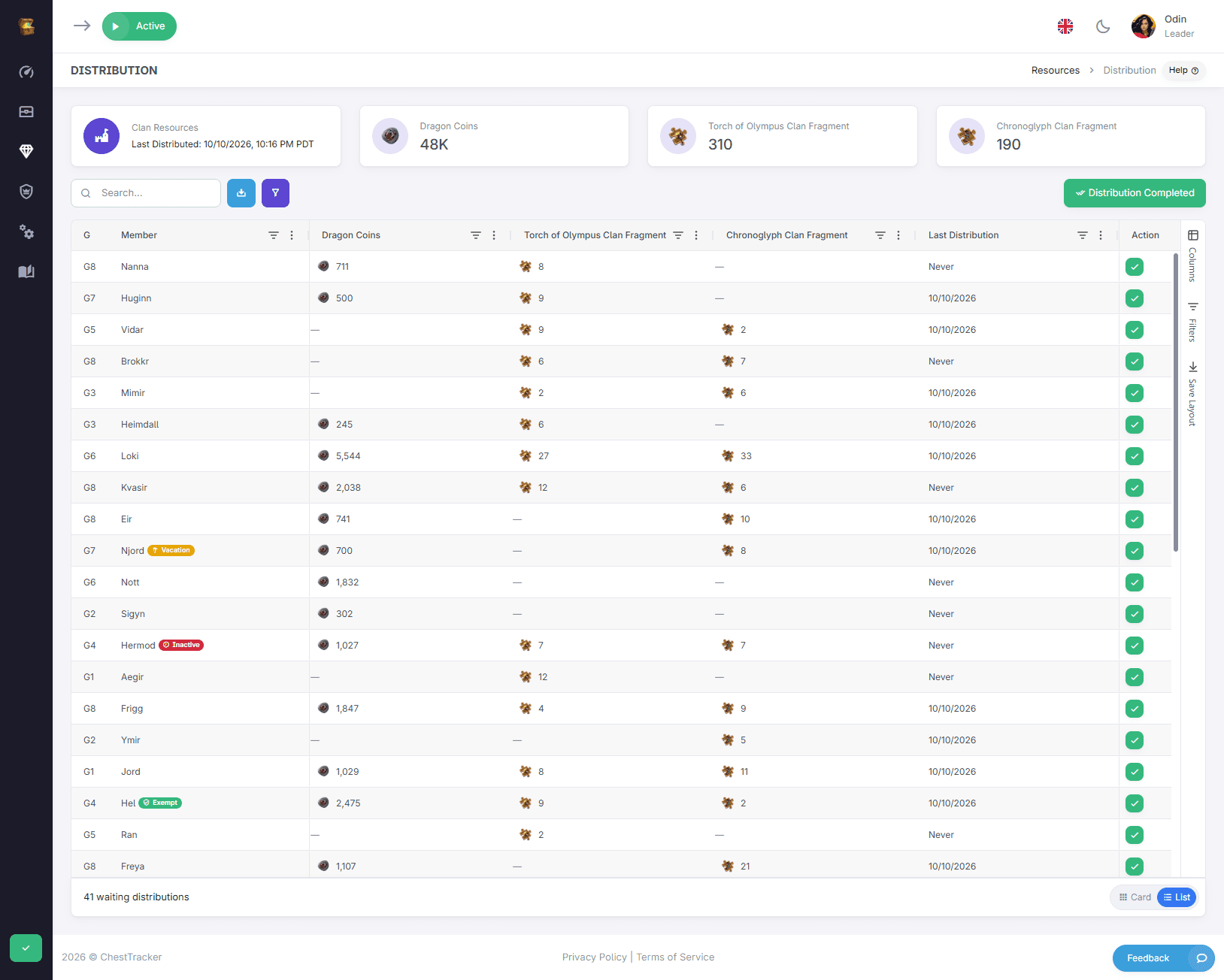
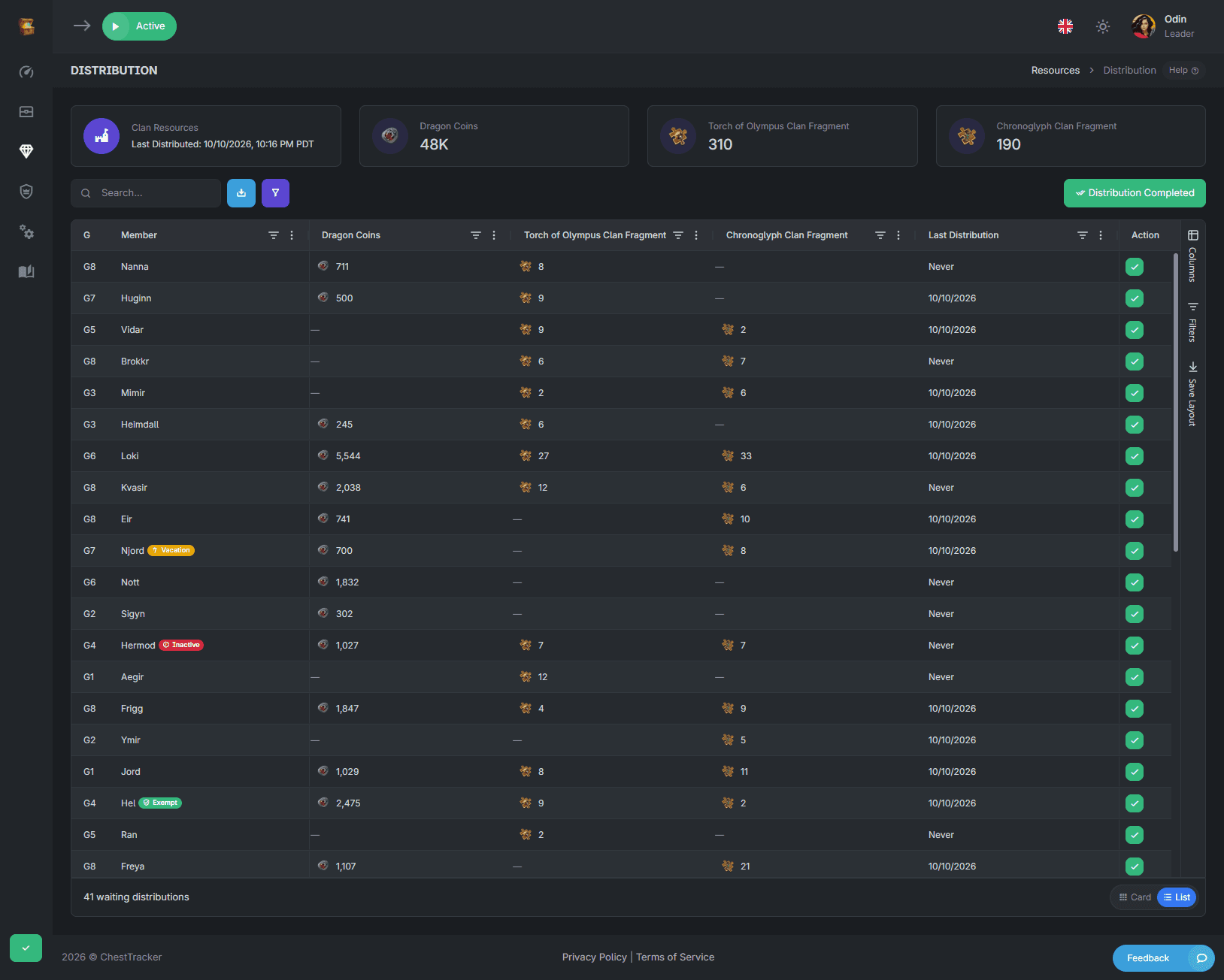
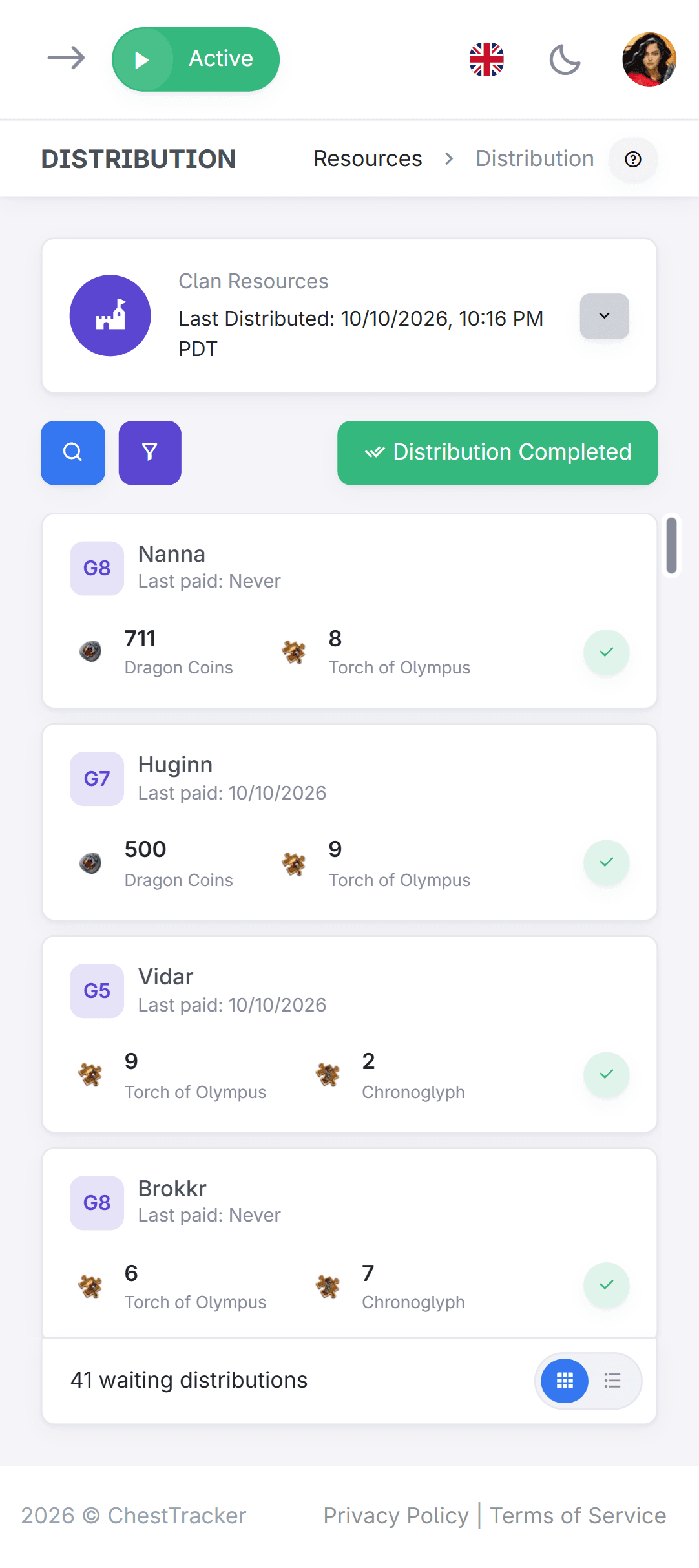
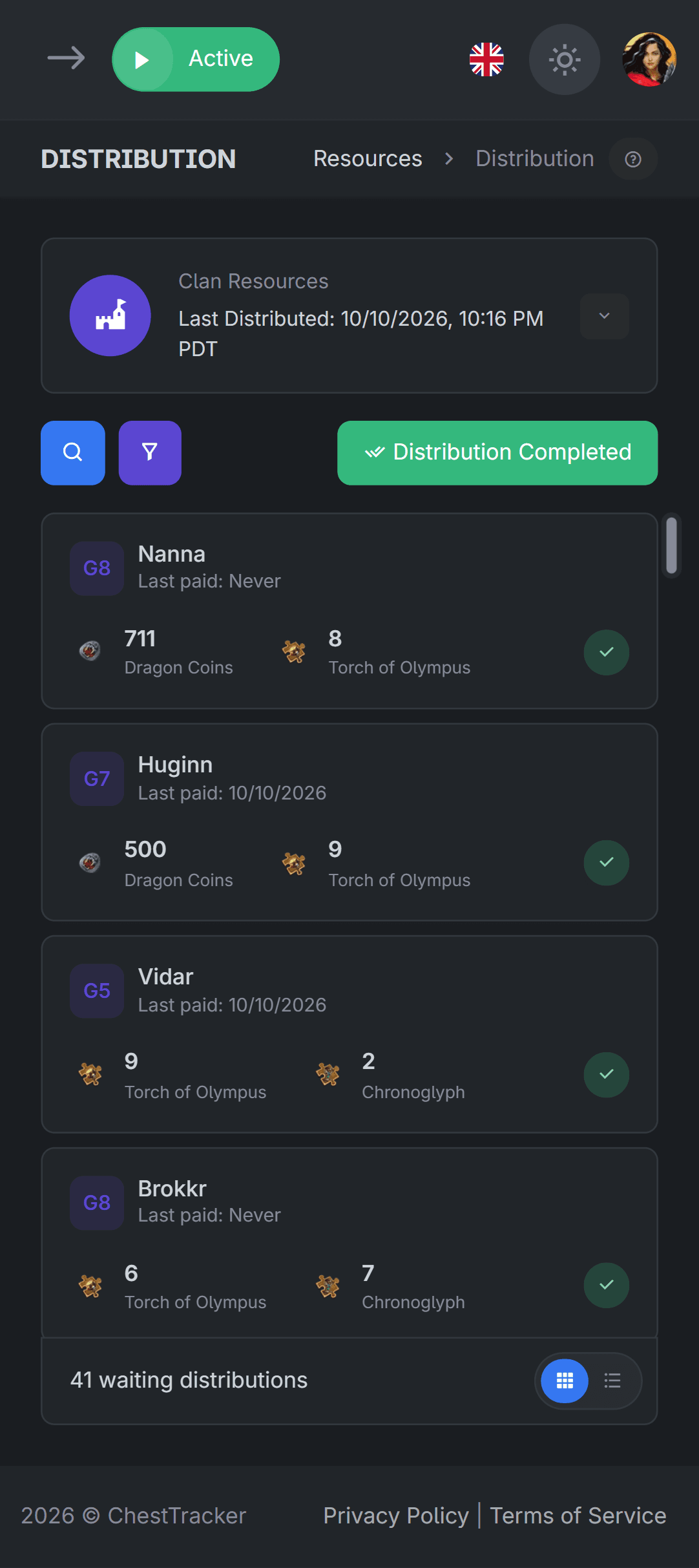
Click a member's name or pending distribution to easily copy amounts for in-game lookups and distributions. Once you distribute the rewards, mark them to remove them from the pending distribution list, and we start tallying distribution amounts for you automatically. Mark all distributions as completed, and reconcile pending distributions against any in-game distributions.
 2,035
2,035  1,790
1,790  892
892 Get started in three steps
Nothing to configure per member. Once the add-on is on, every contribution is recorded and distributions tallied and aggregated for your own distribution.

Create your account
Sign up, then set up your clan.
Add your counter
The counter that reads your chests reads contributions from the clan history screens too.
Turn on Resources
Activate it from Manage → Settings → Addons. Resources are effortlessly counted for your clan.