Add-on
Rank every tournament and split the rewards
The Tournaments add-on ranks each member against your targets and works out everyone's share of the rewards. The results also feed the Ancients planner, member stats and Resources payouts.
Start Free TrialResults
See who hit the target
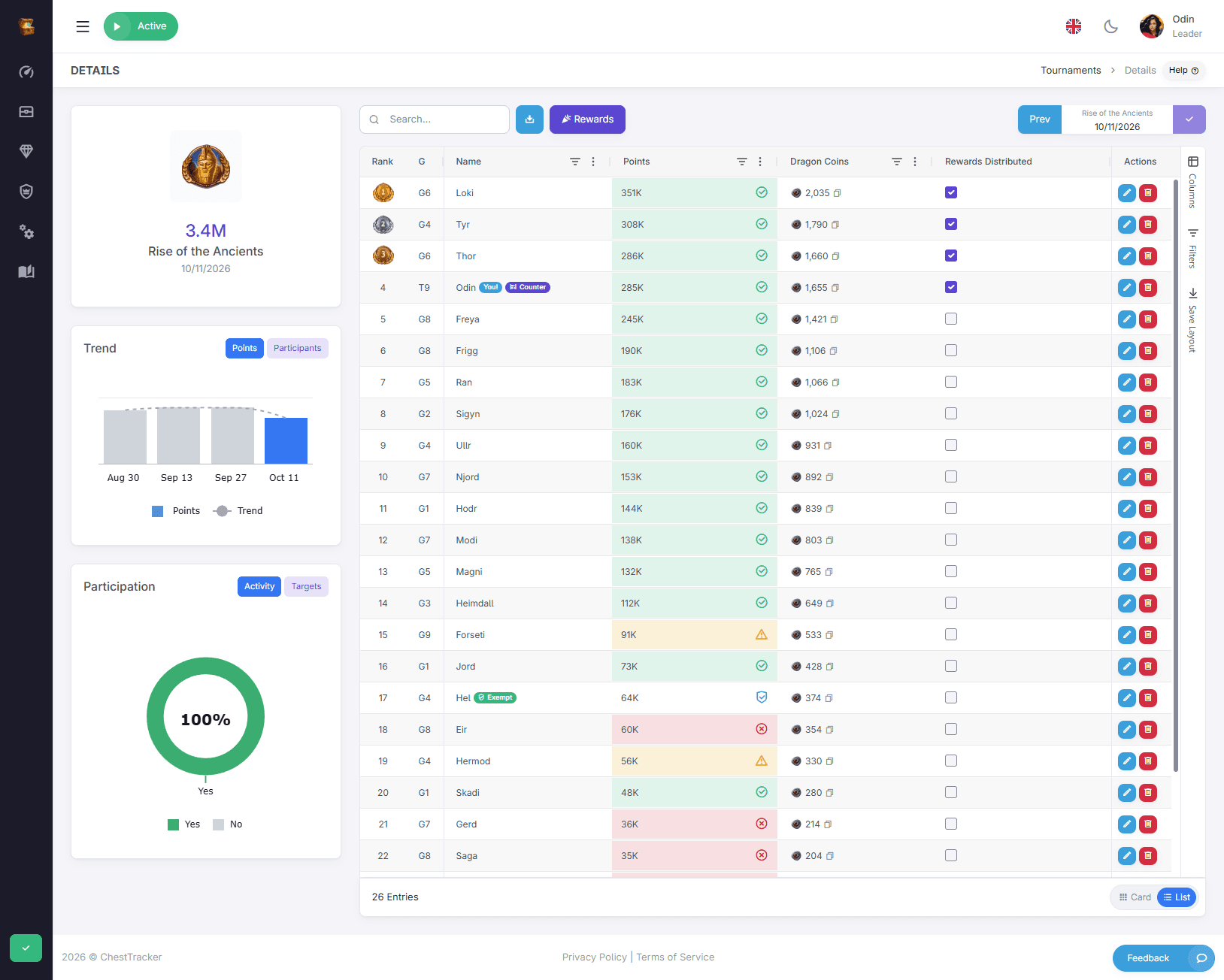
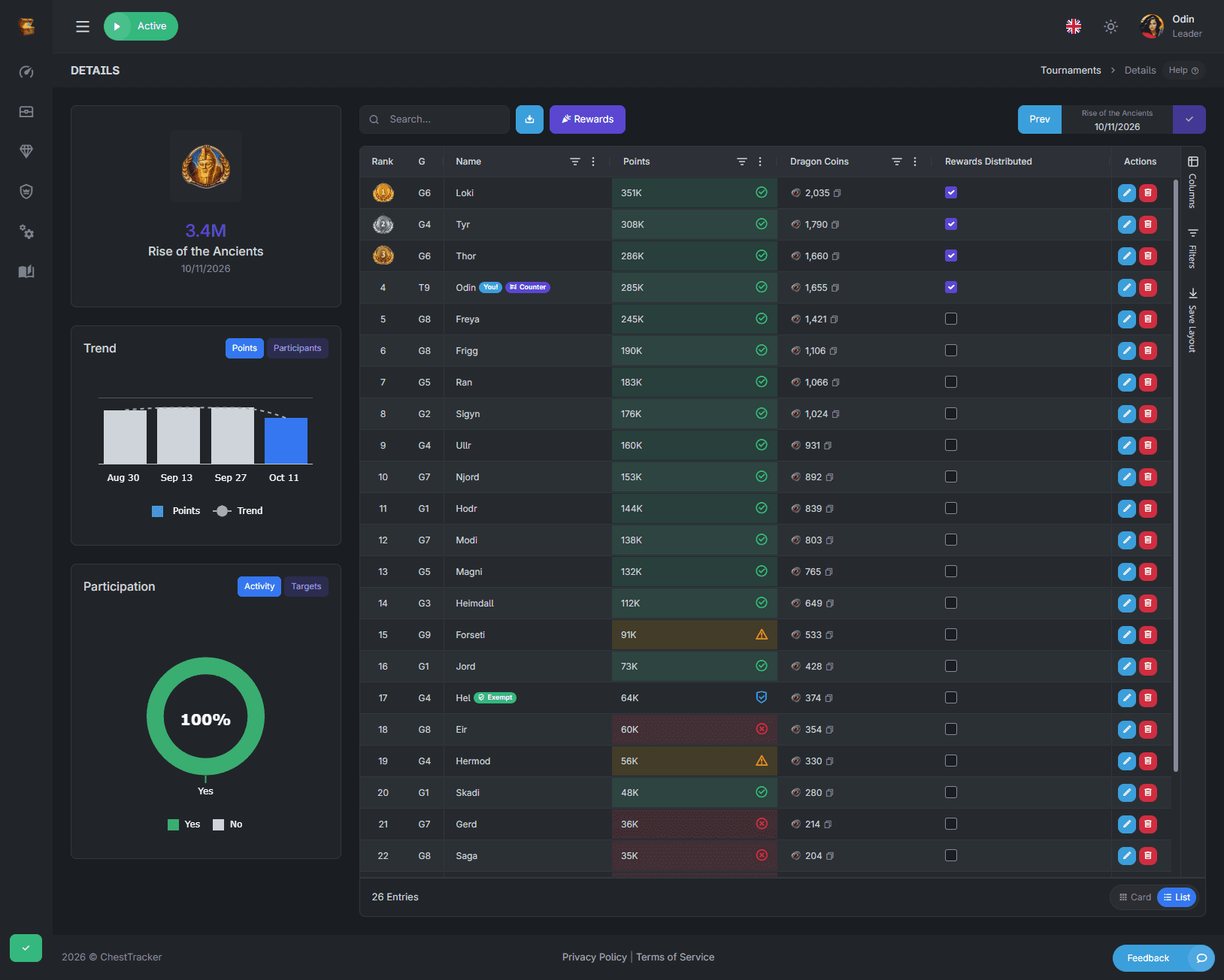
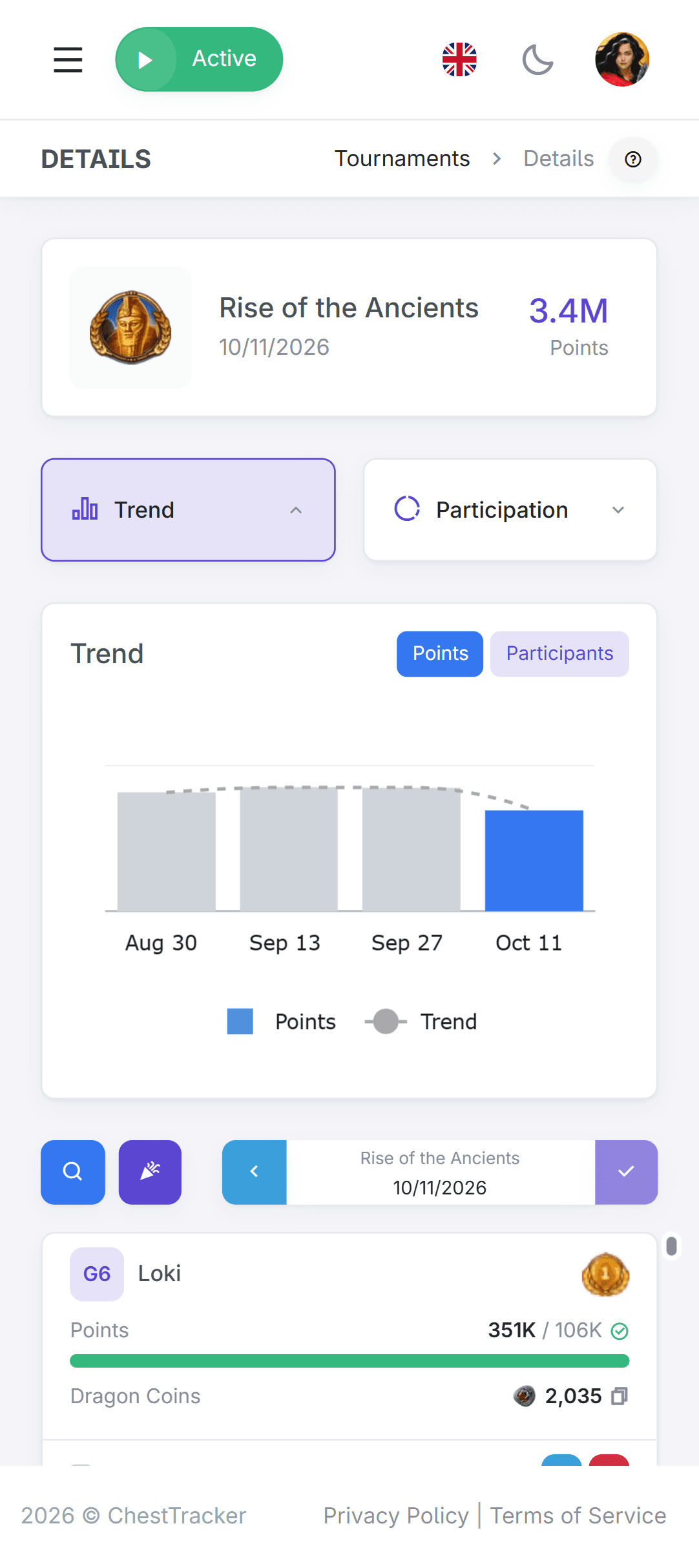
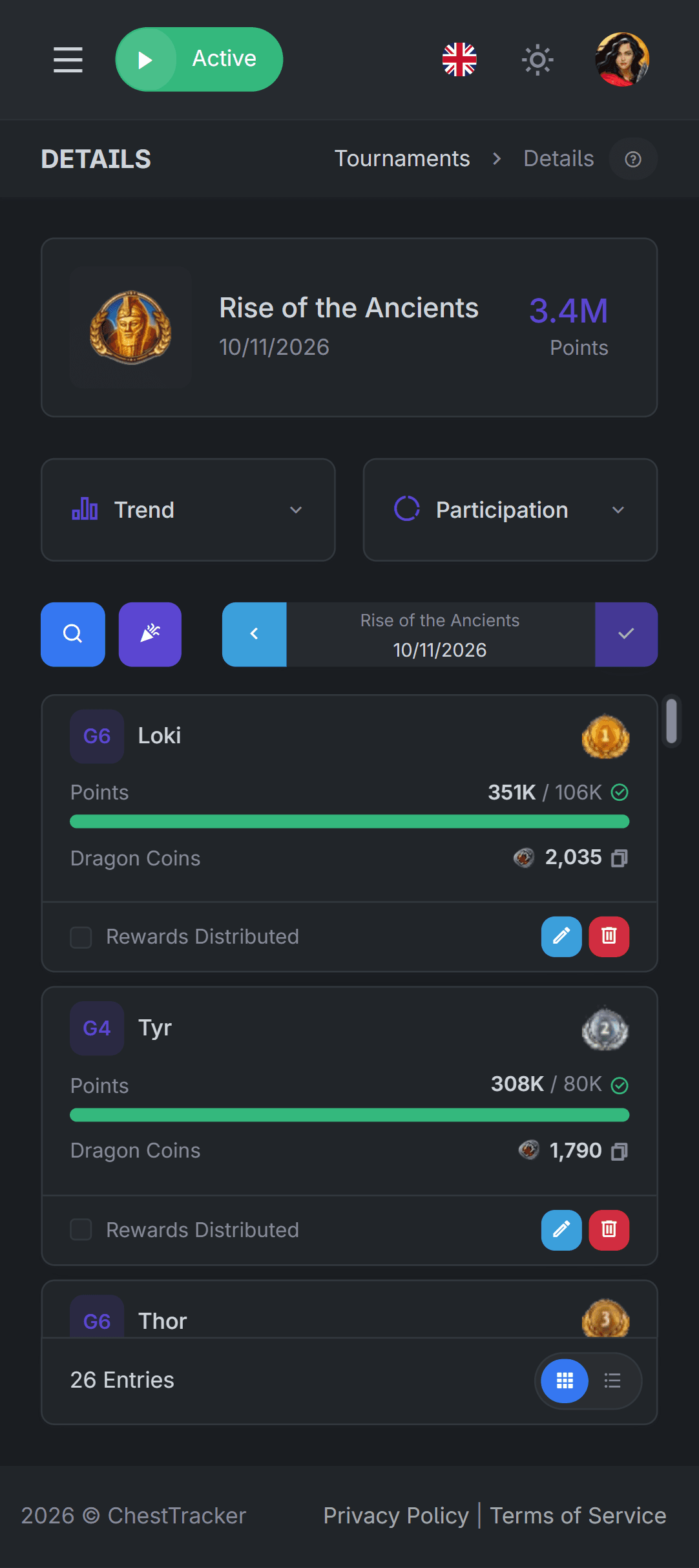
Each tournament lists your members by points, coloured by the target you set for that tournament type. Use Prev and Next to compare tournaments of the same type and see who is improving.

7
tournament types tracked
3
ways to split a reward pool
0
screenshots to collect
1
counter for chests and tournaments
Rewards
Reward shares, worked out for you
Enter the Dragon Coins and fragments the clan collected and the page works out every member's share. Click an amount to copy it for the in-game send and tick the row once it is sent.
 19,700
How it connects
Tournaments goes a level deeper than just chests
Tournament results are not a separate spreadsheet. Their results feed tallied resource distributions, Ancients summoning plans, and organization tools for your clan.
Ancients Planning
The Rise of the Ancients planner works out how many points the clan needs, what each member should earn and when to summon.
Requirements
Set a target per tournament type by Guardsmen level. Results are coloured against it, and rewards can require it.
Members
Might and hero levels update from every result, so you know where your members stand and how they grow.
Resources
With the Resources add-on, calculated rewards from tournament results are added to individual payout totals, ready for your distribution in game.
Vaults
Vaults built are flagged during Ancients' Treasure, so your clan can maximize their points, bonuses and rewards from the Tin Man.
Schedule
The schedule shows what's coming next, so any member of the clan can plan for the week without guessing.
Tournaments tracked
 Dark Omens
 Rise of the Ancients
 Trials of Olympus
 Ancients' Treasure
 The Great HuntRemnants of Dread
 Ragnarök
Get started in three steps
Nothing to configure per tournament. Once the add-on is on, every tracked tournament is recorded.

Create your account
Sign up, then set up your clan.
Add your counter
The counter that reads your chests reads tournaments too. No second account.
Turn on Tournaments
The clan subscriber activates it from Manage → Settings → Addons. Remove it any time and the record stays.